A battery belongs to one account at a time. When it changes hands, the current owner gives the new owner a transfer code. The battery and its warranty move to the new owner's account.
If you are the current owner
Open Transfer battery
Connect to the battery, or open it in the app, then tap ⋯ → Transfer battery.
Create the code
Tap Create transfer code. The app shows an 8-character code and the date it is valid until.
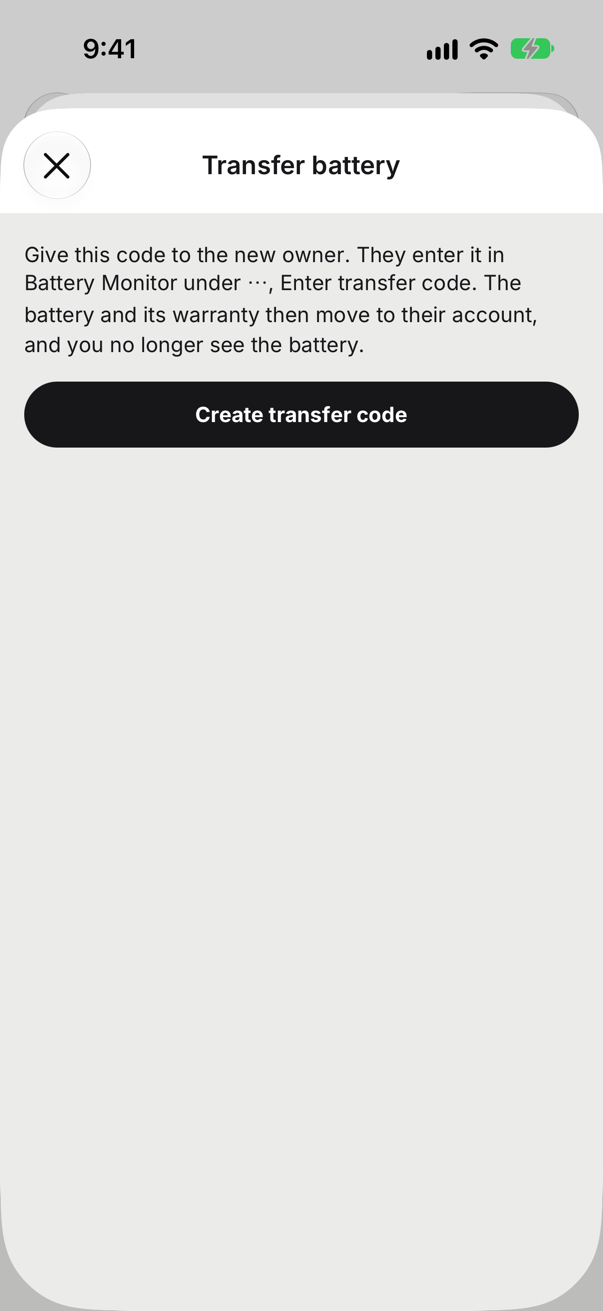
Transfer battery Give it to the new owner
Send or show the code to the new owner. It is shown only once: if you lose it, tap Create a new code. Only the newest code works.

A code is valid for 7 days. To stop a transfer, tap Cancel transfer: the code stops working.
If you are the new owner
Sign in and connect
Sign in with your own account (not as a guest) and connect to the battery over Bluetooth.
Open Enter transfer code
Tap ⋯ → Enter transfer code.
Enter the code
Type the code you received. Capitals, spaces and dashes don't matter. Tap Take over the battery.
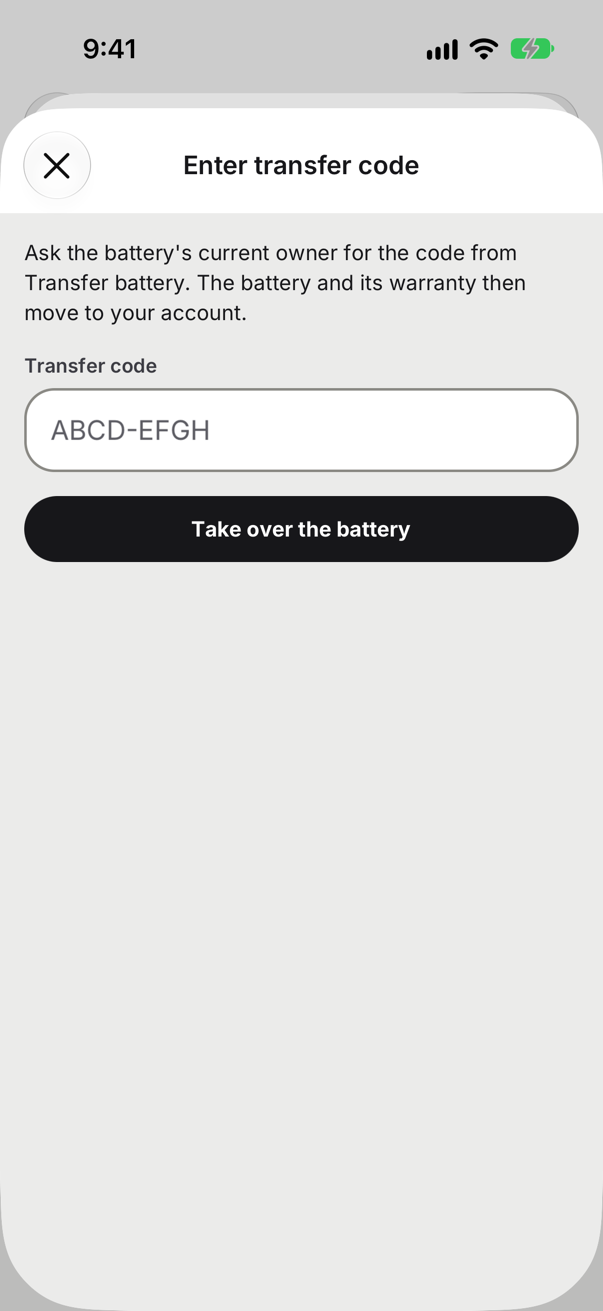
Enter transfer code

The app says The battery is now registered to your account.
What changes
- The previous owner no longer sees the battery. They keep the support cases they opened.
- The warranty stays with the battery and keeps its original purchase date.
- The battery's history stays with the battery. Earlier support cases don't: the new owner sees only cases opened from the transfer on.
- The battery's name and recorded locations are cleared.
- An Ermis Cloud key stops working: the new owner requests Ermis Cloud access again.
Nobody gets an email about the transfer.
The previous owner can't or won't help
Contact us at info@batterieslab.gr with the serial number and your proof of purchase. Batterieslab can move the battery to your account after checking it.